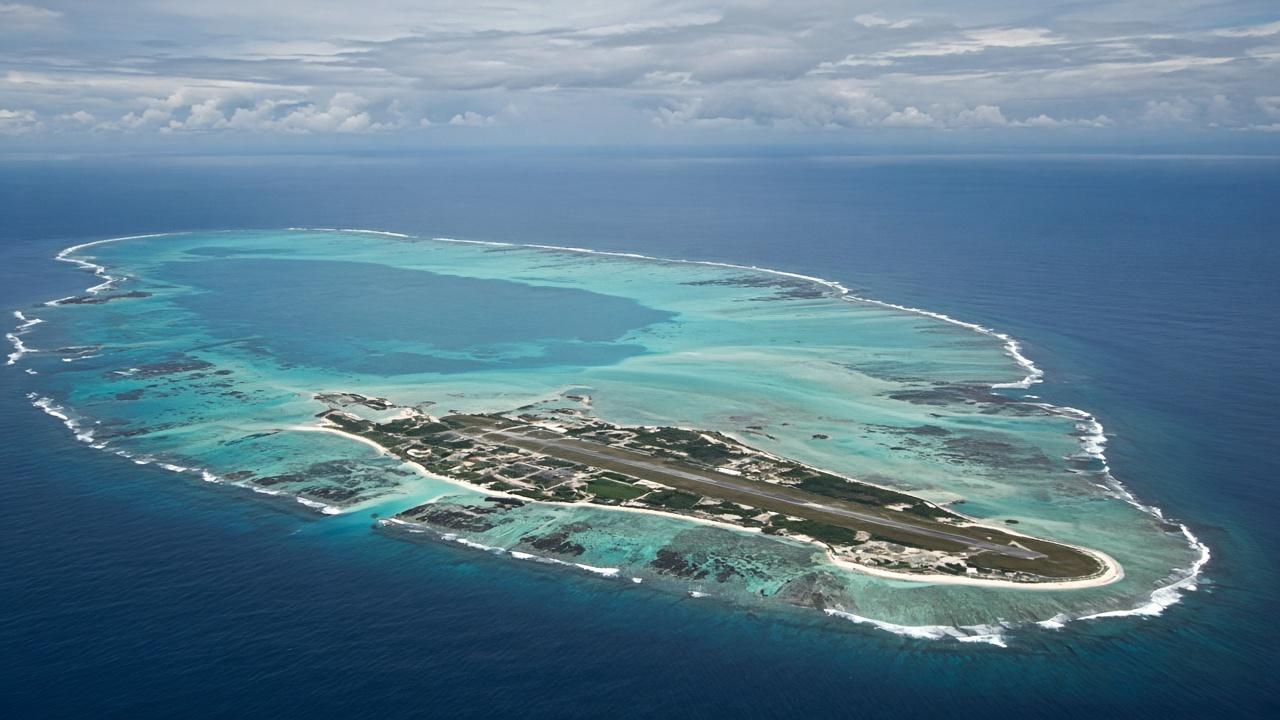
Kwajalein eSIMs
KWAJALEIN eSIM
We don't currently sell a plan that covers Kwajalein. Browse Oceania or all destinations while we expand coverage.
How eSIM works in Kwajalein
Install over Wi-Fi before departure. Switch the data line on when you land. Validity starts on first use.
- 01
Choose your plan
Pick a data package for Kwajalein and pay securely online.
- 02
Scan the QR code
Install the Kwajalein eSIM from your email on Wi-Fi before the flight.
- 03
Connect on arrival
Land in Kwajalein, enable the line, and keep your home number.
Kwajalein eSIM coverage & networks
Plota eSIM plans for Kwajalein use reliable international mobile networks for 4G/5G where available. Coverage is built for travelers moving between Ebeye and the rest of Kwajalein. Stay connected for maps, messaging, and streaming — no more roaming charges.
Kwajalein eSIM — questions, answered
How does an eSIM work in Kwajalein?
An eSIM is a digital SIM in your phone. Buy a Kwajalein plan on Plota, scan the QR we email you, and a data line installs next to your home SIM. Use Plota for data in Kwajalein while your regular number stays for calls, texts, WhatsApp, and iMessage.
How do I install my Kwajalein eSIM on iPhone?
On Wi‑Fi before you travel: Settings → Cellular (or Mobile Data) → Add eSIM, then scan the QR from your Plota email or dashboard. Label the line (e.g. “Kwajalein”), keep it ready, and when you arrive in Kwajalein turn the line on and enable Data Roaming for it.
How do I install my Kwajalein eSIM on Android?
On Wi‑Fi: Settings → Network & internet → SIMs → Add eSIM, then scan your Plota QR (or paste the activation code). In Kwajalein, set Plota as the mobile data SIM and turn Data Roaming on for that line.
How do I select the correct network for my Kwajalein eSIM?
After you install your Kwajalein eSIM, open Settings → Cellular / Mobile Data (or Network & internet → SIMs), tap the Plota line, and select the network shown on your plan card or in the Plota app/dashboard. Do not guess a carrier — use the name listed for your plan.
How do I turn on Data Roaming for my Kwajalein eSIM?
In Kwajalein, open Settings → Cellular / Mobile Data → select your Plota Kwajalein eSIM → turn Data Roaming On. Also set Mobile Data to that eSIM line (not only your home SIM). Leave your home SIM’s roaming off if you want to avoid home-carrier roaming charges while still receiving calls/texts on your usual number.
What APN and networks does the Kwajalein eSIM use?
We email the APN and supported networks for your Kwajalein plan after purchase, and the same details appear on that eSIM in your Plota dashboard. Set mobile data to Plota, turn Data Roaming on for that line, and enter the APN only if your phone requests it or data does not start automatically.
When should I install my Kwajalein eSIM?
Install on Wi‑Fi before departure. The plan typically starts when you first connect to a local network in Kwajalein, not when you scan the QR. On arrival: enable the Plota line, set it for mobile data, and turn Data Roaming on.
What is an eSIM?
An eSIM is a digital SIM card built into your phone — no physical SIM card to swap. You buy a travel data plan, scan a QR, and stay connected on local networks. Keep your number on your home SIM for calls and WhatsApp.
What is the best eSIM for Kwajalein?
Plota is expanding coverage for Kwajalein. Browse our regional and global eSIM plans that may cover your destination, or check back soon for dedicated Kwajalein plans.
What Kwajalein eSIM plans are available?
Dedicated Kwajalein inventory may be limited. Check regional and global packs on Plota that list Kwajalein in coverage, or revisit this page when more plans appear.
What is the cheapest eSIM for Kwajalein?
For Kwajalein, start with a regional or global prepaid pack and size GB to your trip. See /blogs/cheapest-travel-esim and /compare for how to avoid overpaying for unused unlimited data.
Why use an eSIM in Kwajalein?
An eSIM for Kwajalein means data the moment you land — maps, rides, and messages without airport SIM queues or roaming charges. Install before you fly; turn the line on when you arrive.
Does the Kwajalein eSIM support hotspot and tethering?
Most Plota plans for Kwajalein support mobile hotspot so you can share data with laptops and tablets. Check the plan details before checkout for tethering confirmation.
Can I use an eSIM and my physical SIM at the same time in Kwajalein?
Yes. eSIM-compatible phones support dual SIM. Keep your home number on your physical SIM for calls and texts while using the Plota eSIM for affordable data in Kwajalein.
Is Plota cheaper than Holafly, Airalo, Saily, or Ubigi for Kwajalein?
Plota offers competitive prepaid rates for Kwajalein — often up to 50% less than Holafly, Airalo, Saily, and Ubigi on comparable data packages, with instant QR and no roaming charges.
Which phones work with eSIM in Kwajalein?
Unlocked phones with an EID can use this eSIM in Kwajalein. iPhone XR, XS, and newer usually qualify. iPhone 11, 11 Pro, and 11 Pro Max work only when About shows an EID. Models A2223, A2217, and A2218 (mainland China, Hong Kong, and Macau) have no eSIM. See https://plota.app/compatible-phones before you buy.
What happens if I run out of data in Kwajalein?
You can purchase a top-up or a new plan from Plota before your trip ends. Data allowances and validity vary by package — choose a plan that matches your stay in Kwajalein.
What if I have no internet after installing?
Check four things: (1) Mobile Data is set to the Plota eSIM, (2) Data Roaming is On for that line, (3) the APN matches your order email/dashboard if needed, (4) you are in coverage. Toggle airplane mode once. Still stuck? Email hello@plota.app with your order email and phone model.
Going further than Kwajalein?
All 190+ countries →
No Kwajalein plan yet.
Explore nearby coverage.
We only list destinations with real coverage. Browse Oceania while we expand.
Browse Oceania plans →